Installation
System configuration requirements
PC hardware configuration requirements, desktop computers should use interfaces other than USB, refer to the main hardware interface selection below:
| Component | Recommended Configuration | Minimum Configuration |
|---|---|---|
| Processor | Intel compatible processor, dual-core or above, >2GHz | Intel compatible processor, dual-core, 1GHz |
| Memory (RAM) | 16GB | 4GB |
| Hard Disk Capacity | ≥20GB SSD | ≥3GB |
| Screen Resolution | Full HD | 1024x768 |
| Operating System | Windows 7/8/10/11 | Windows 7/8/10/11 |
Installation process
For example, install version 2.1.1, ETStudio202511102126 name, click the installerETStudioInstall_v2.1.1_202511102126.exe to start the installation process.Select the appropriate language and click Confirm.

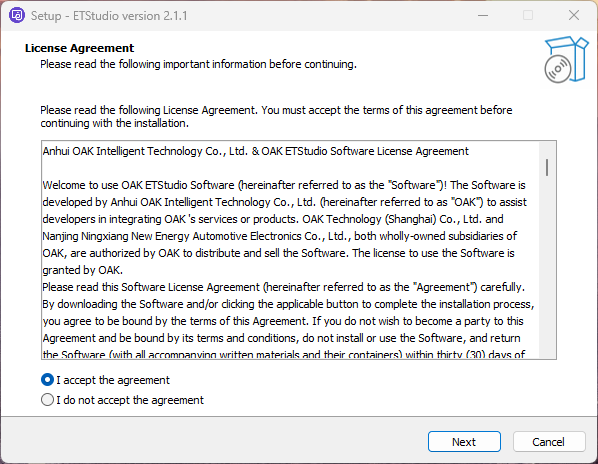
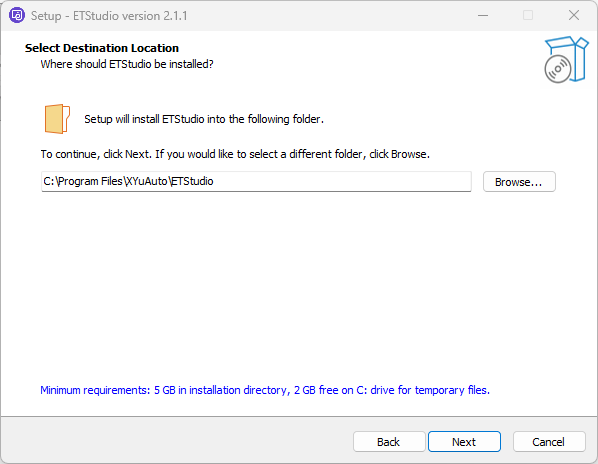
Then select to accept the license agreement and the directory where you want to install.
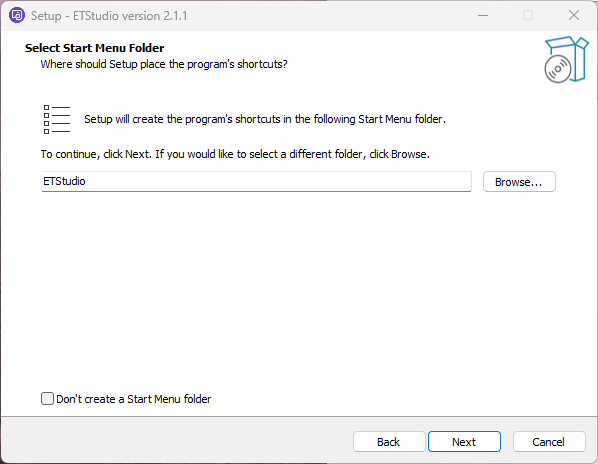
Setup will create the program's shortcuts in the following Start Menu folder.To continue, click Next. If you would like to select a different folder, click Browse.
Click the next.
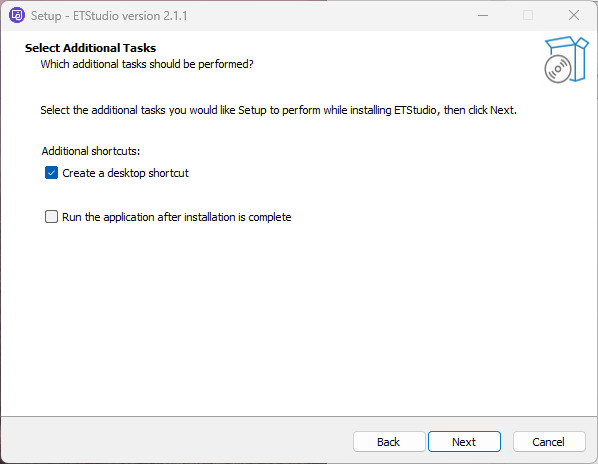
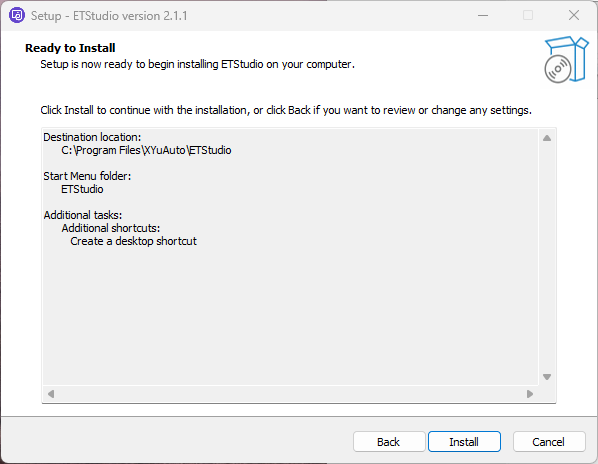
Click install to start the installation.
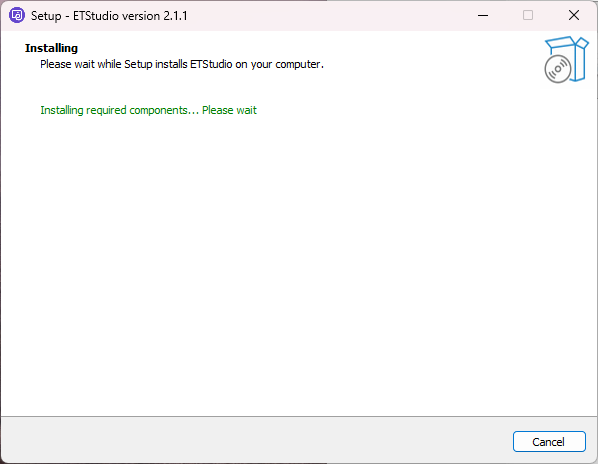
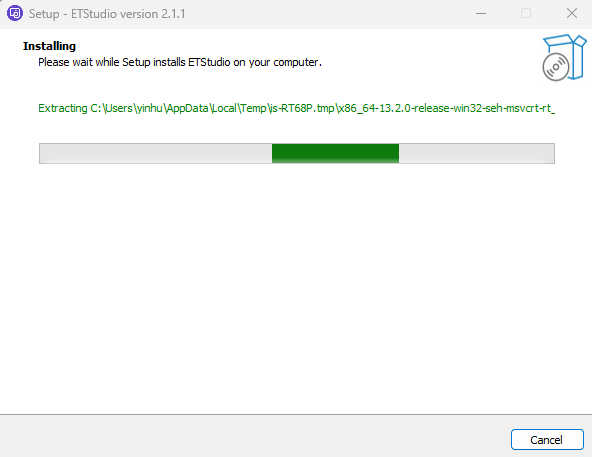
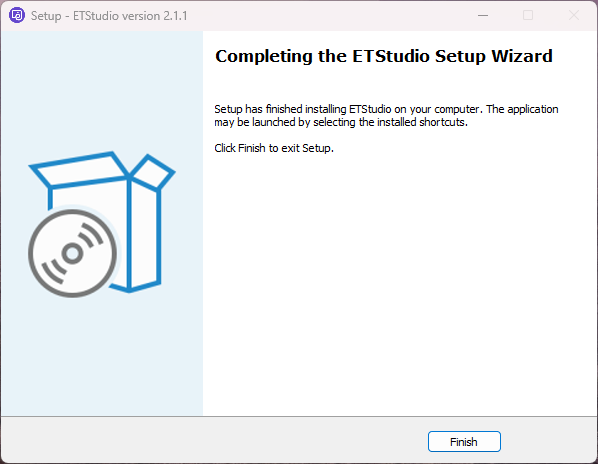
After the installation is complete, click Finish to exit the Setup Wizard.