Dashboard Overview
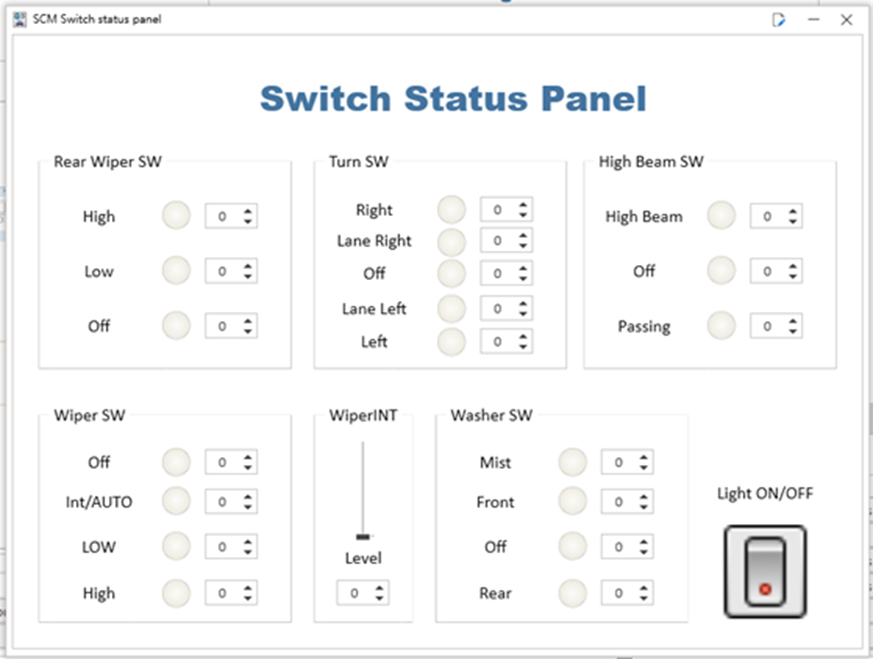
Dashboards are an important feature of ET Studio that provide a graphical interface for bus simulation. Users can add appropriate controls to the Dashboard to change the value of a signal or variable in real time. Based on function, controls can be divided into two categories: control controls and display controls. Control controls can correlate signals, system variables, and environmental variables. In a simulation system, control controls can change the value of an associated signal or variable in real time. Display controls display the values of signals, variables, and diagnostic parameters in real time. This section will be explained using the Type 3 project. Open this routine Dashboard as shown in Figure, which is a typical Dashboard containing control controls and display controls.